

How It Works
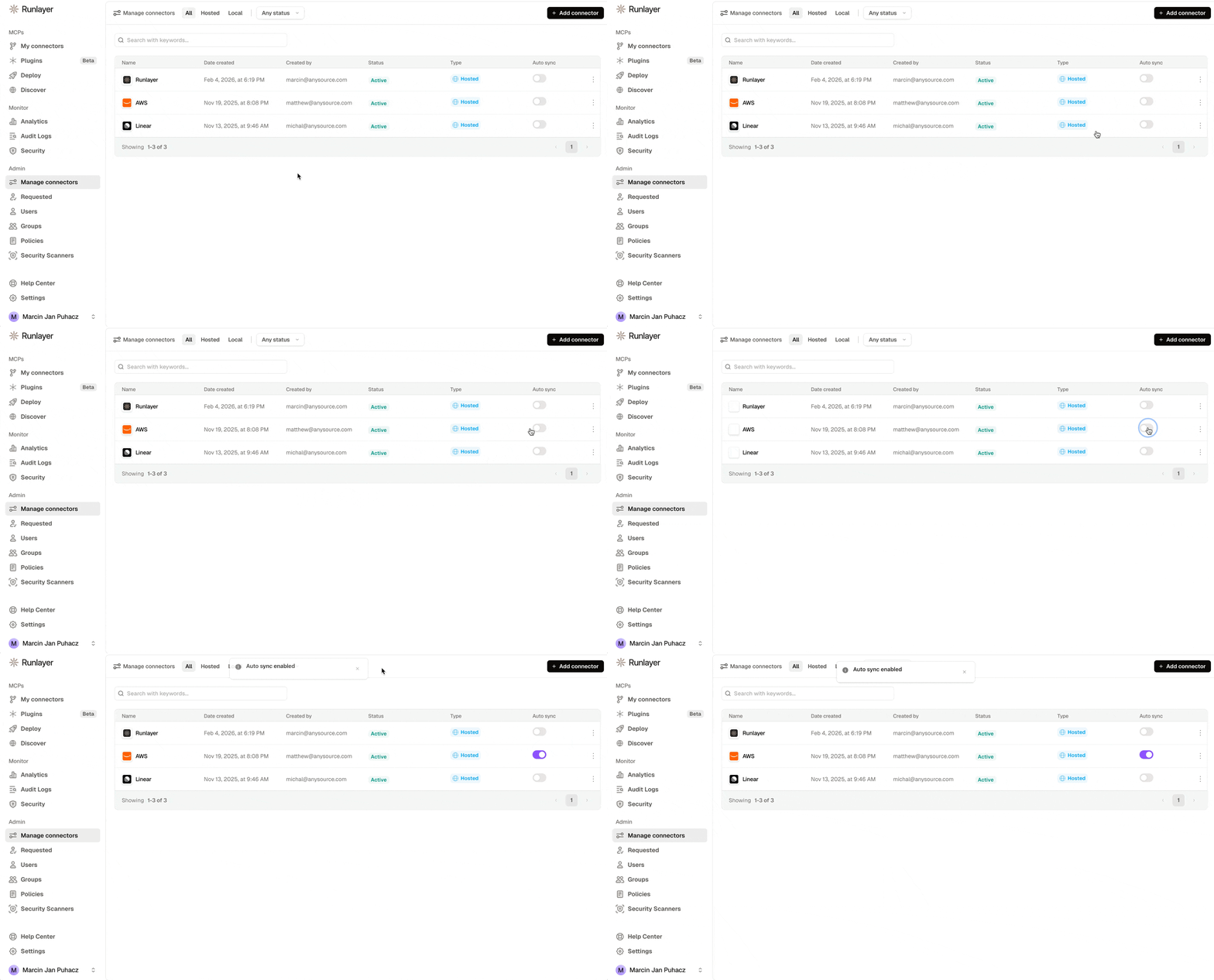
- Admin enables auto-sync on connectors or plugins in the Runlayer dashboard
- CLI fetches configuration for auto-synced connectors and plugins accessible to the user
- Client detection — the CLI auto-detects installed clients
- Config injection — MCP entries are written into each client’s config file
Quick Start
First deploy the self-contained Runlayer CLI package to the device. The package installsrunlayer on PATH at /usr/local/bin/runlayer on macOS, C:\Program Files\Runlayer\CLI\runlayer.exe on Windows, or /usr/bin/runlayer on Linux. Then run the sync as the target user:
~/.runlayer/config.yaml.
Use --client cursor to target a specific client. Run without --yes to preview changes before applying.
Auto-detection requires an existing client config. To provision a client before it has created one, target it explicitly—for example, runlayer setup sync --client codex --yes—and run the command as that user.
The
uv tool install runlayer / uvx runlayer path is for legacy, manual, or developer use. Managed deployment scripts on the pages below expect the packaged CLI to be installed first.Supported Clients
MDM Deployment
For enterprise-wide deployment, use your MDM solution to run the sync command across all devices:SimpleMDM
macOS deployment
Jamf Pro
macOS deployment
Mosyle
macOS deployment
Iru/Kandji
macOS deployment
Intune
Windows deployment
Can users remove synced MCPs?
Synced entries are written into each client’s standard config file, which lives in the user’s own profile — they are not made read-only, so a user can edit or delete an entry locally. However, every sync run re-writes all auto-synced connectors and plugins, so local removals are reverted on the next scheduled run (each MDM guide recommends a recurring schedule, e.g. daily on macOS MDMs or every 60 minutes with Intune’s scheduled task). Note that the synced config entries point at the Runlayer gateway, so access control doesn’t depend on the local file: what a user can actually reach is enforced server-side by their Runlayer permissions and policies, whether or not the local entry is present.Monitoring Sync Status
There are three places to check whether auto-sync is actually landing on devices:- On the device — open a client application (e.g., Cursor) and confirm the synced MCPs appear, or re-run
runlayer setup syncmanually. Sync logs are written to/var/log/runlayer/auto_provisioning.logon macOS, or%ProgramData%\Runlayer\auto_provisioning.logon Windows. - In your MDM console — use your MDM’s script/policy execution reporting for fleet-level visibility: policy execution status in Jamf Pro, the Custom Script Status tab in Iru/Kandji, script execution results in SimpleMDM and Mosyle, and Task Scheduler status or remediation compliance for Intune.
- In the Runlayer dashboard — confirm which connectors and plugins have auto-sync enabled, and use audit logs (UI or
runlayer logs) to see gateway activity from synced clients once devices start using them.