

Prerequisites
- Mosyle Business admin access
- Enrollment key from Runlayer
- The signed Runlayer CLI macOS package deployed to target devices
Creating an Enrollment Key
Creating an Enrollment Key
Enrollment keys allow devices to automatically register with Runlayer and obtain API credentials.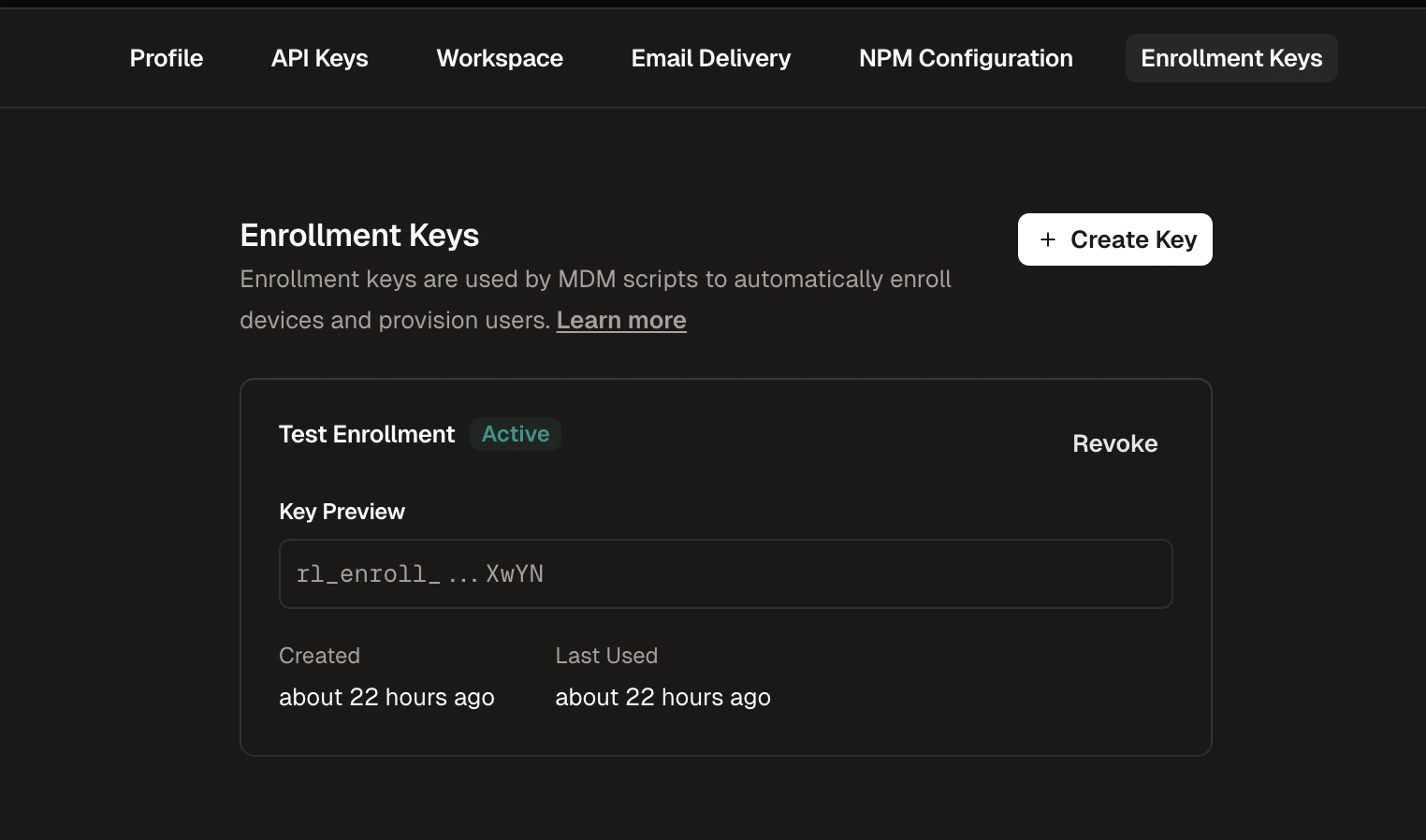
1
Navigate to Enrollment Keys
Go to Settings in the Runlayer dashboard and select the Enrollment Keys tab
2
Create a New Key
Click + Create Enrollment Key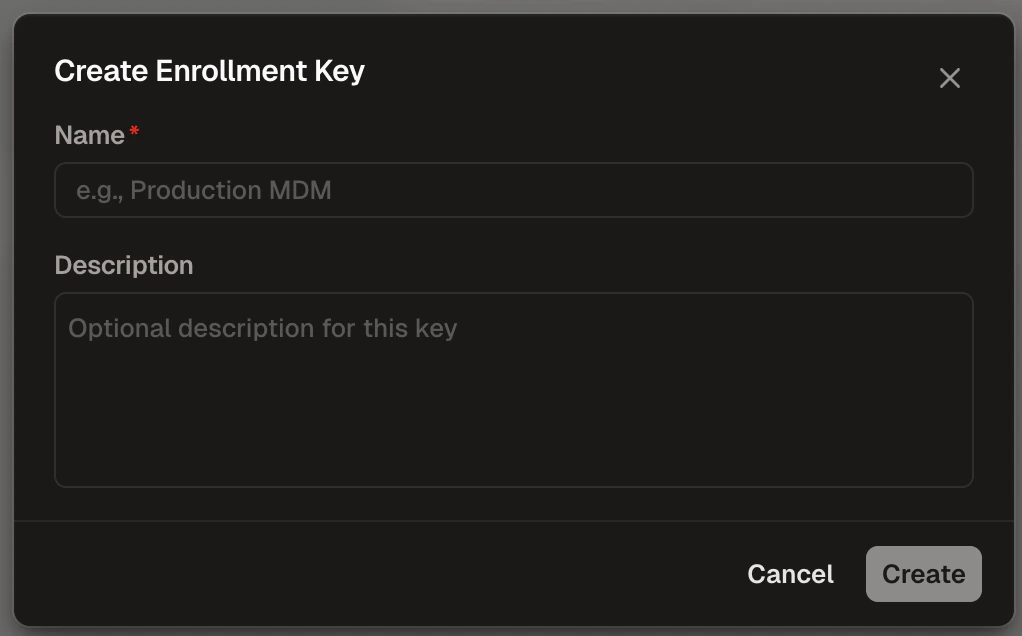
3
Configure the Key
- Name (required): Enter a descriptive name (e.g., “Production MDM”)
- Description (optional): Add context about the key’s purpose
4
Copy the Key
Copy the generated key (starts with 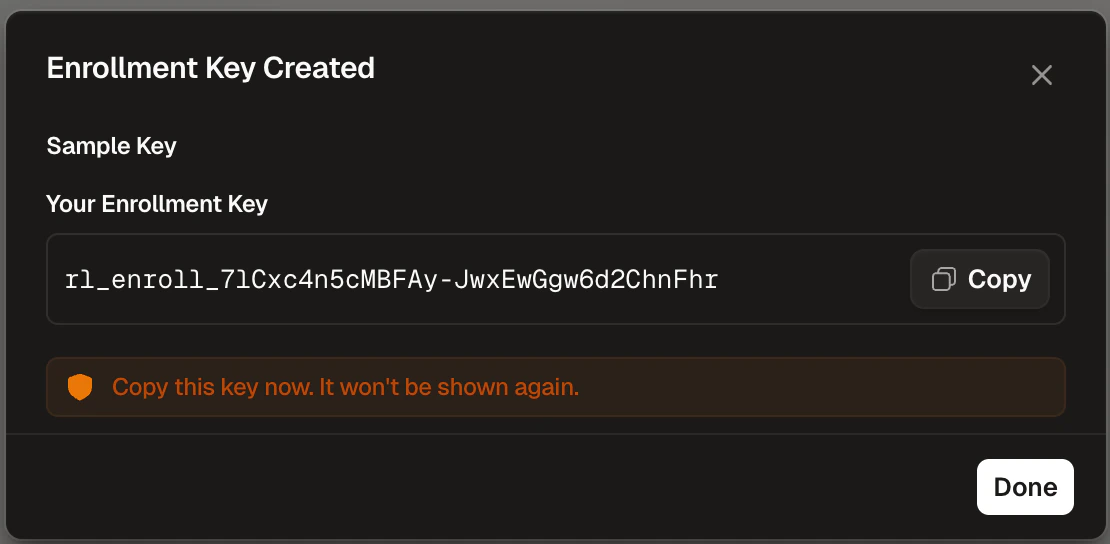
rl_enroll_) and store it securelyDeployment Steps
1
Generate the Script
Fill in your settings below to generate a deployment script.Mosyle-specific configuration tips:
ENROLLMENT_USERNAME: Use the Mosyle variable%Email%to provide the user’s identity. Leave empty to use the device username.ENROLLMENT_DEVICE_NAME: Use the Mosyle variable%DeviceName%to identify the device. Leave empty to use the computer name.
2
Create a Custom Command
- Under the Management tab, select Custom Commands
- Click Add new profile
- Provide a Name (e.g., “Runlayer Config Sync”), check Enable variables for this profile, and paste the generated script into the code box
- Switch to the Execution Settings tab and configure the execution frequency (at least daily recommended)
3
Assign and Deploy
- Click Add assignment to assign the profile to target devices
- Click Save and monitor execution status
Verification
Open a client application (e.g., Cursor) on a target device and confirm the synced MCP servers appear. If something went wrong, check/var/log/runlayer/auto_provisioning.log on the device.