

Available Tools
Setup
1
Create Security Integration
Run the following SQL in your Snowflake console. Replace 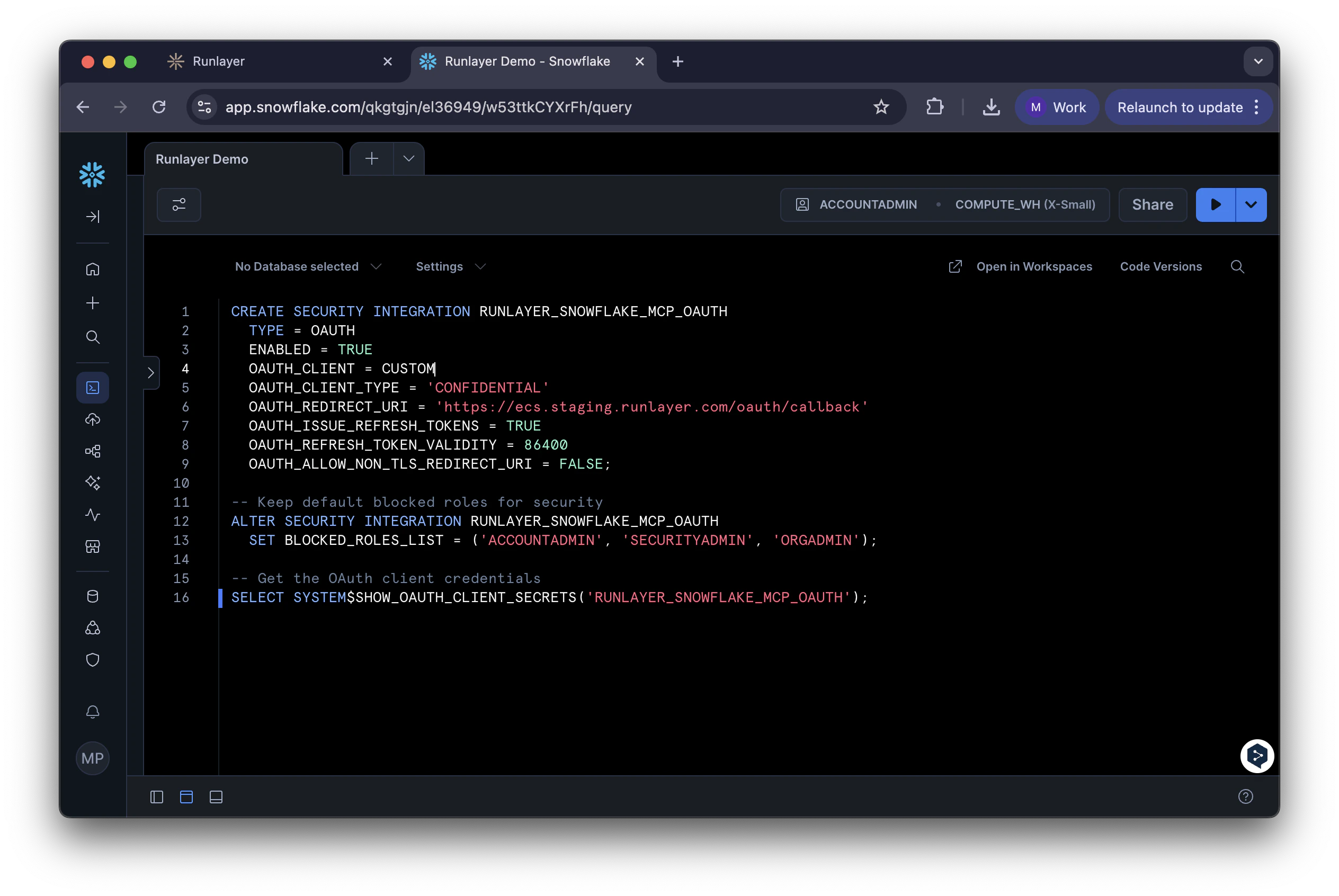
<your-tenant> with your Runlayer subdomain:2
Get OAuth Credentials
Run this SQL to get your credentials:Copy the 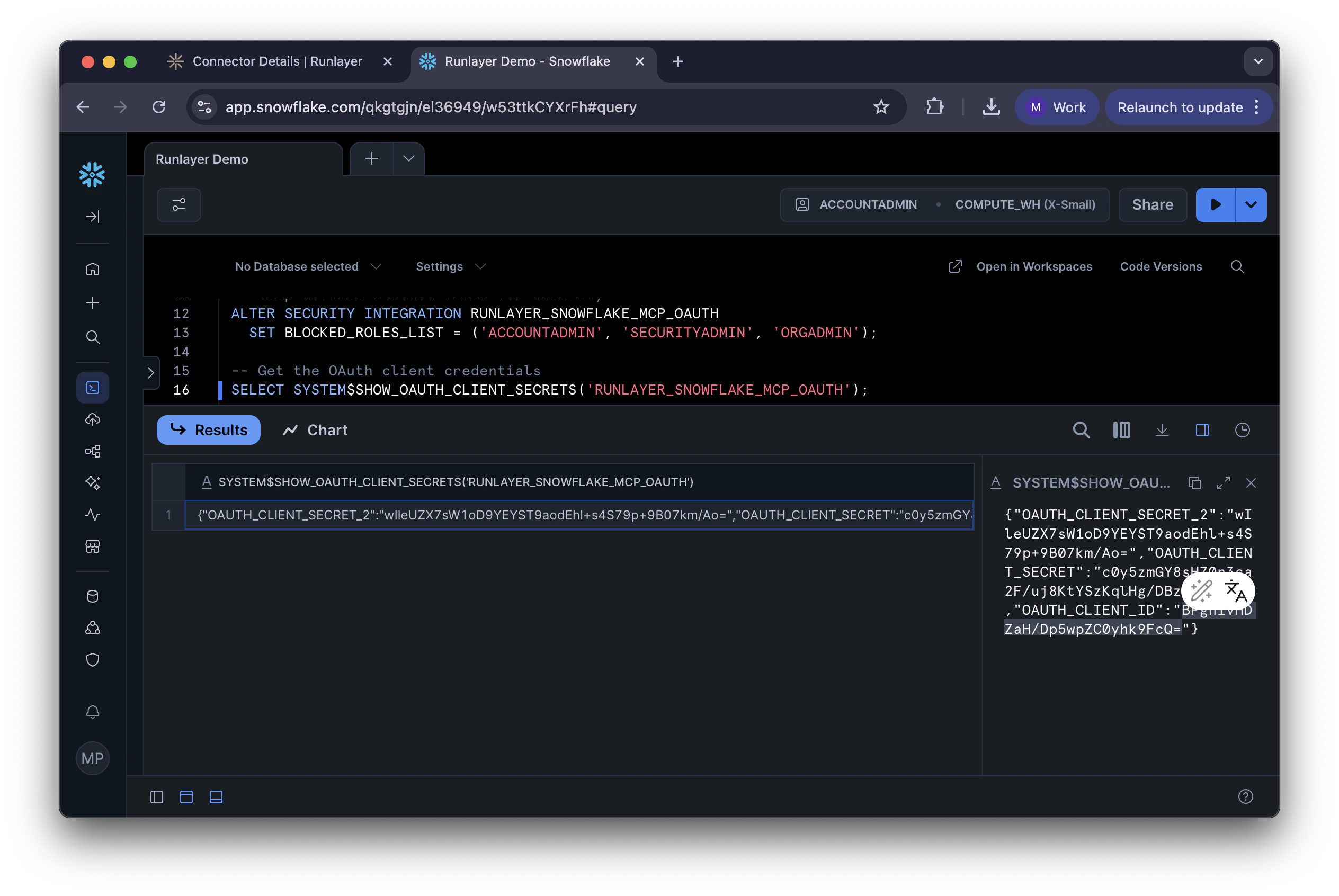
OAUTH_CLIENT_ID and OAUTH_CLIENT_SECRET from the result.3
Add Server in Runlayer
- In Runlayer, go to My connectors, find Snowflake, and click Add connector
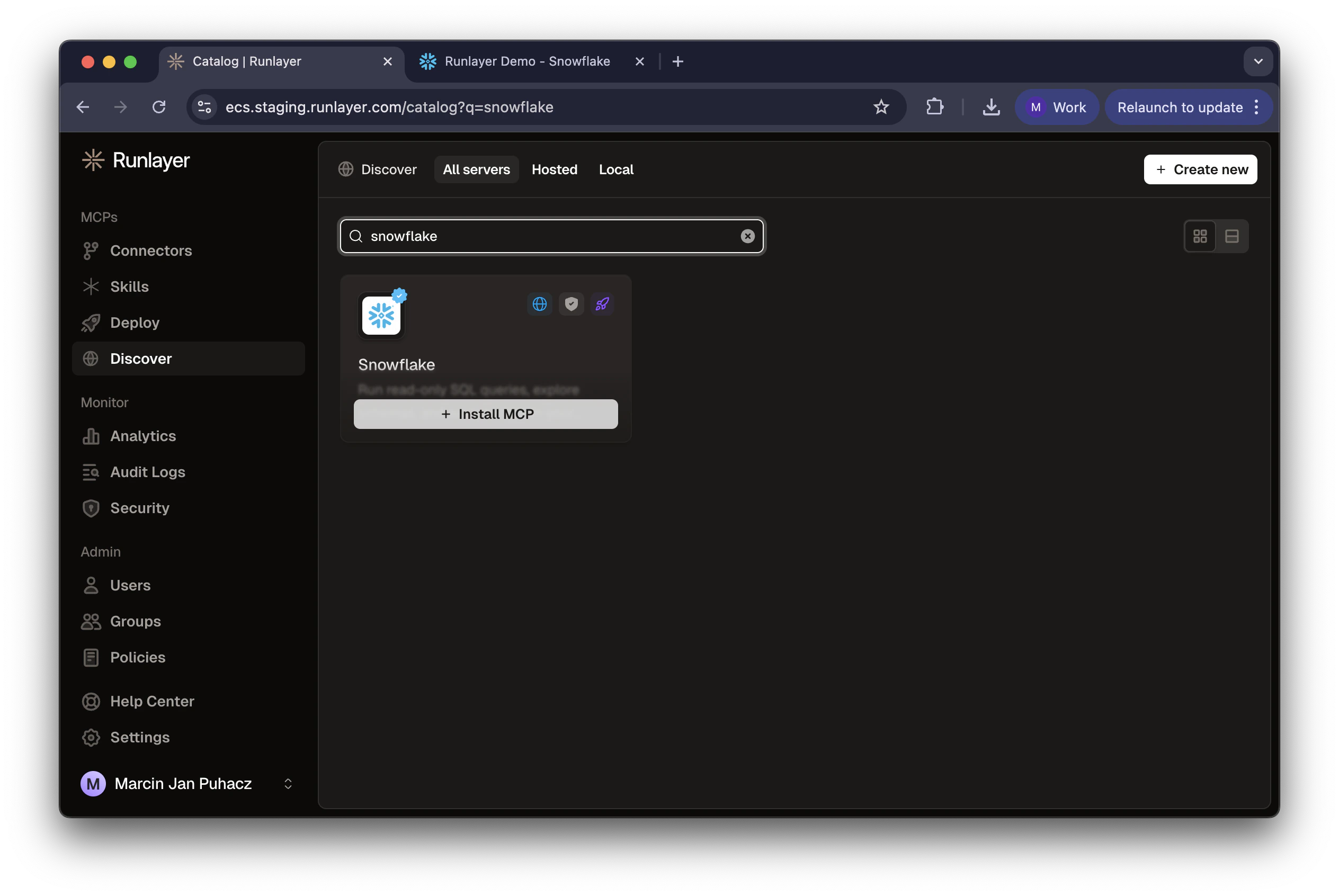
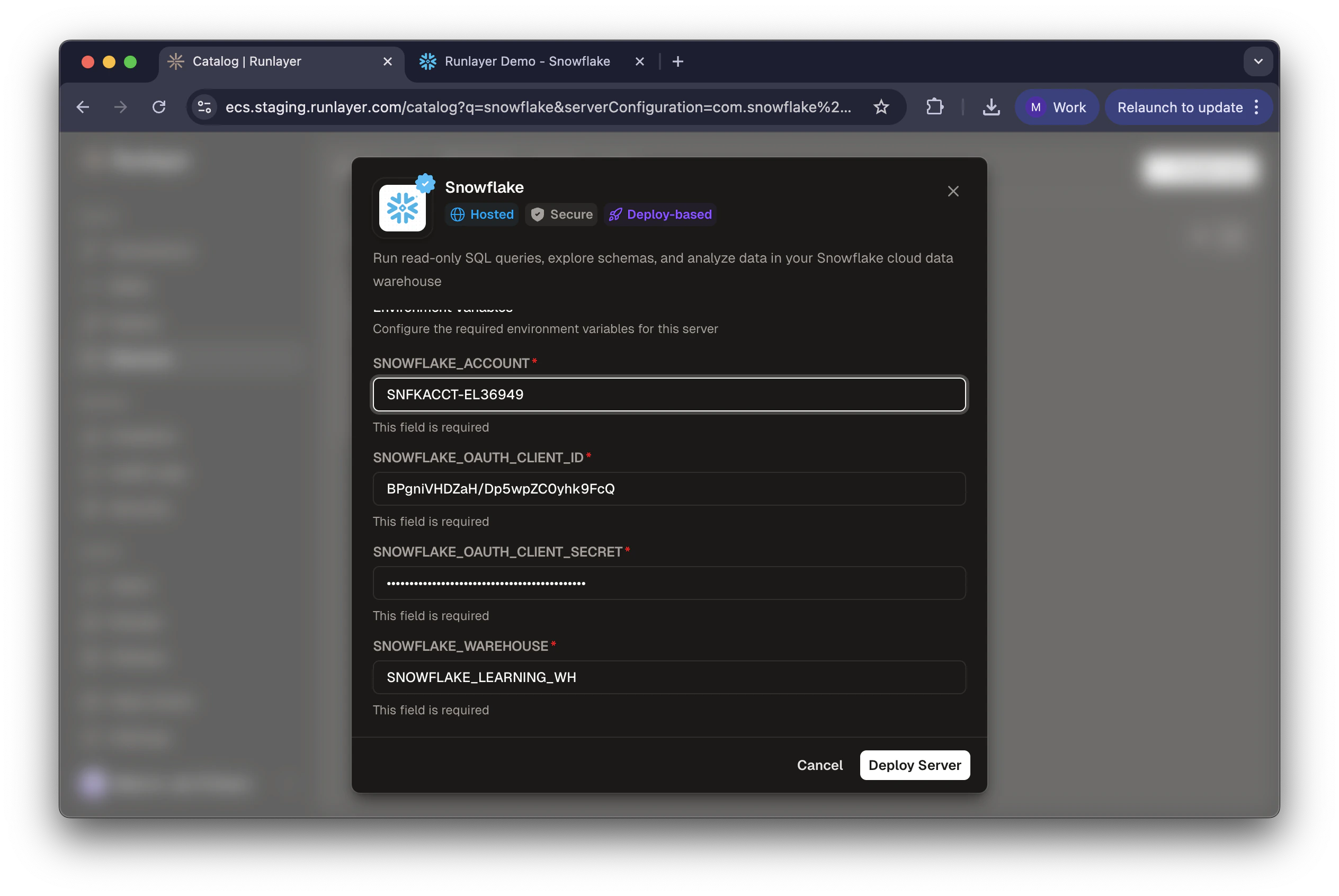
- Enter:
- SNOWFLAKE_ACCOUNT: Your account identifier (e.g.,
SNFKACCT-EL36949) - SNOWFLAKE_HOST: Your Snowflake host (e.g.,
snfkacct-el36949.snowflakecomputing.com) - SNOWFLAKE_OAUTH_CLIENT_ID: Client ID from Step 2
- SNOWFLAKE_OAUTH_CLIENT_SECRET: Client Secret from Step 2
- SNOWFLAKE_WAREHOUSE: Default warehouse (e.g.,
COMPUTE_WH)
- SNOWFLAKE_ACCOUNT: Your account identifier (e.g.,
- Click Deploy Server
4
Authorize
- Click Connect on the server page
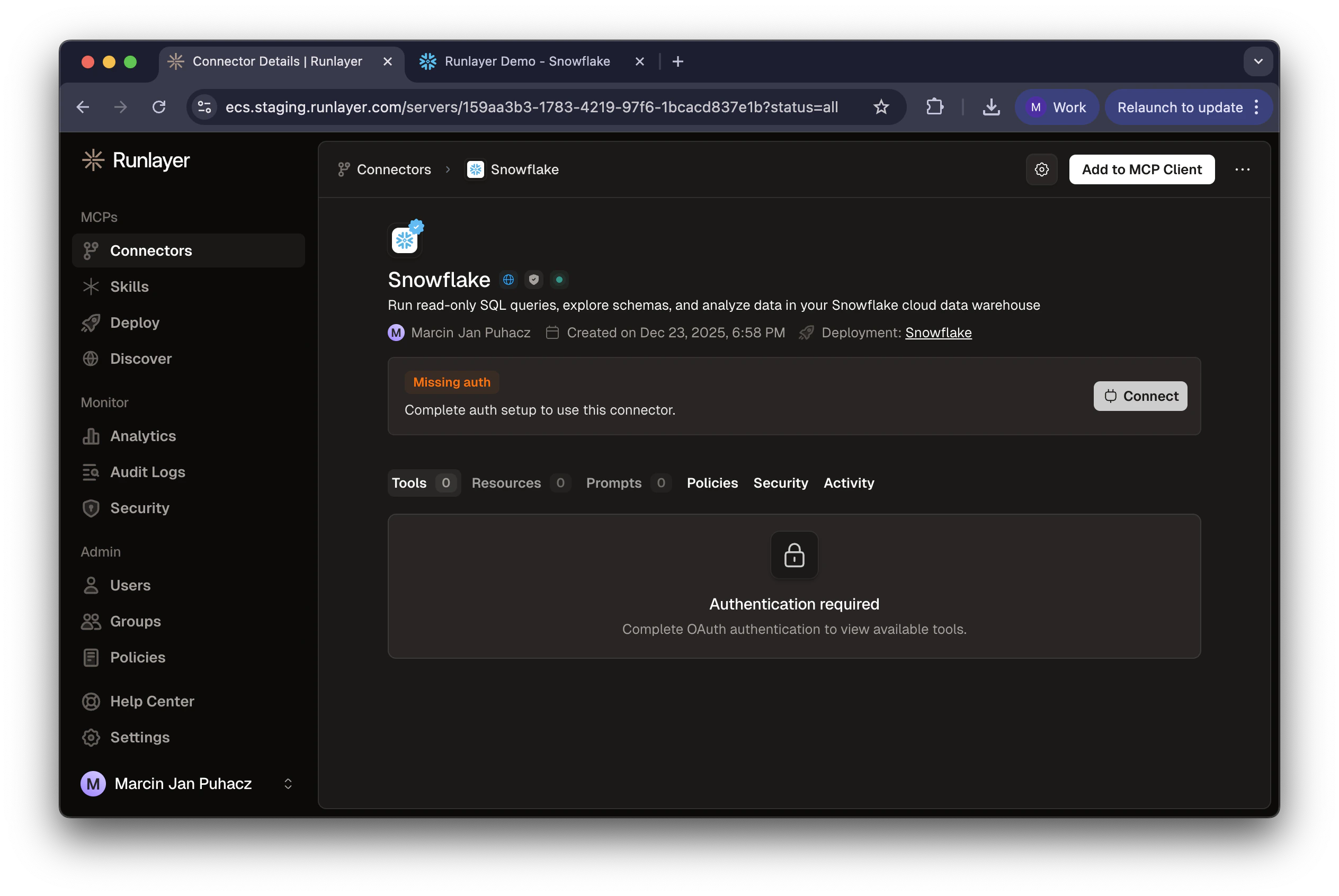
- Log in with your Snowflake credentials
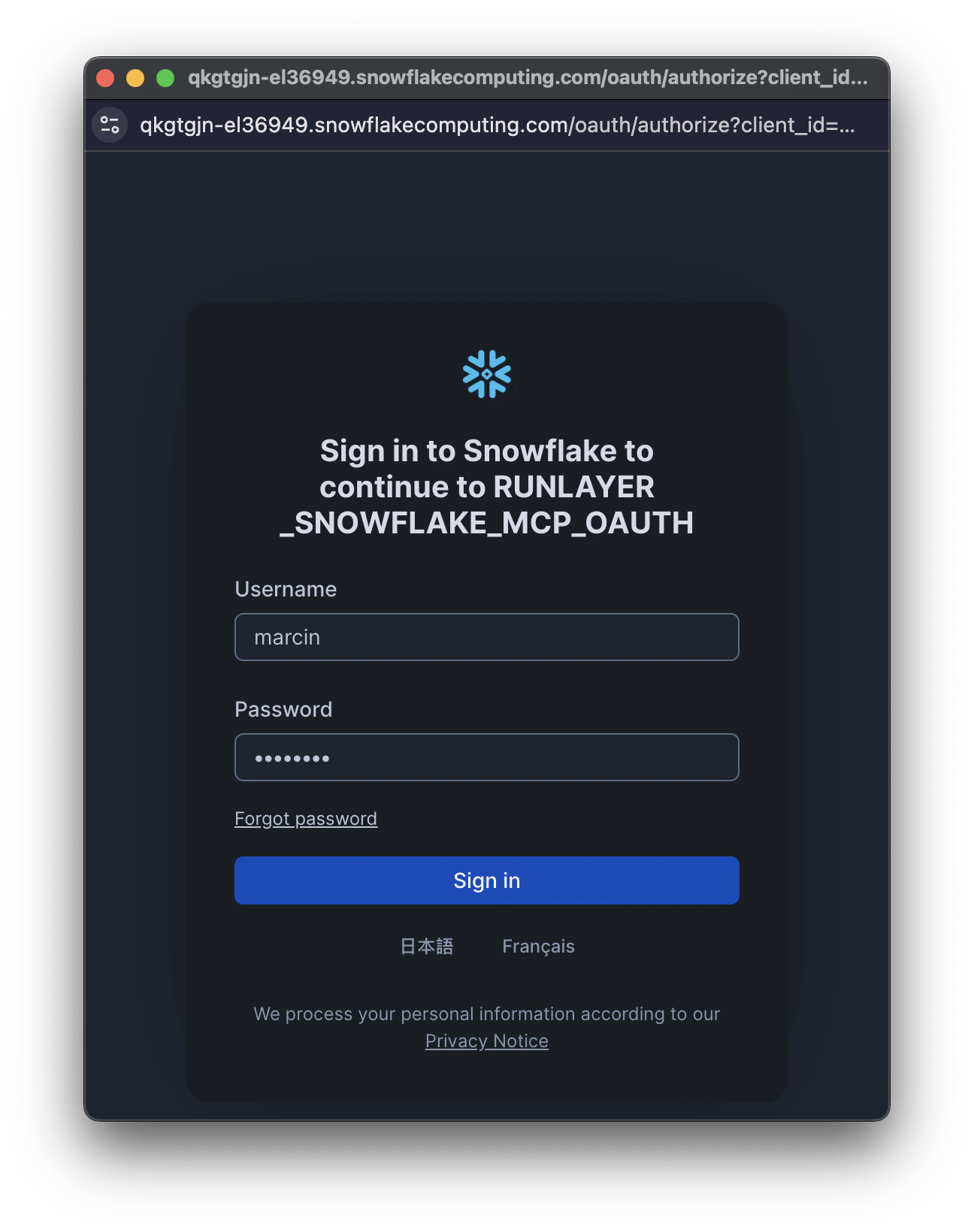
- Review permissions and click Allow
Each user will need to complete this authorization process with their own Snowflake credentials. This ensures that queries run with each user’s individual permissions.
5
Test the Connection
In your MCP client, try asking: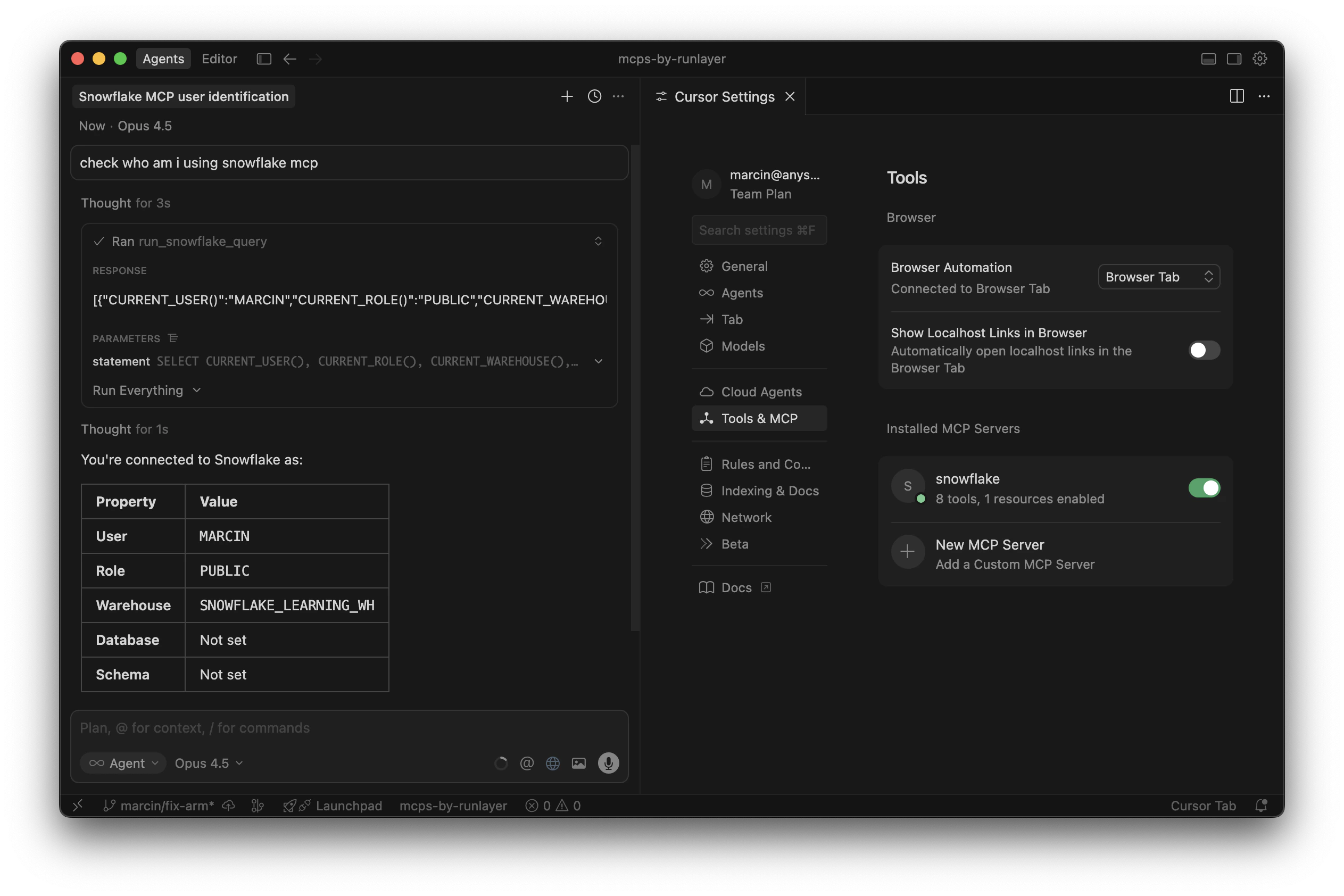
“Show me who am I using the Snowflake MCP”The agent will run a query and return your connected user details.
Configuration Reference
Required:
Optional:
Account vs Host
- SNOWFLAKE_ACCOUNT: Account identifier, required for OAuth URL construction (e.g.,
SNFKACCT-EL3694) - SNOWFLAKE_HOST: Snowflake hostname — use default (
{account}.snowflakecomputing.com) or custom for proxy/private endpoints
Updating Configuration
After initial deployment, you can update configuration options via CLI:Troubleshooting
Invalid account identifier
Invalid account identifier
Check your Snowflake URL for the correct format. For regional accounts, include the region (e.g.,
abc12345.us-east-1).Redirect URI mismatch
Redirect URI mismatch
Verify the
OAUTH_REDIRECT_URI in your security integration matches exactly: https://<your-tenant>.runlayer.com/oauth/callback (no trailing slash).Warehouse not found
Warehouse not found
Ensure the role you authorized has
USAGE privilege on the warehouse: GRANT USAGE ON WAREHOUSE <name> TO ROLE <role>;Blocked role error
Blocked role error
Remove the role from
BLOCKED_ROLES_LIST or choose a different role during authorization.