

Your MCP Servers
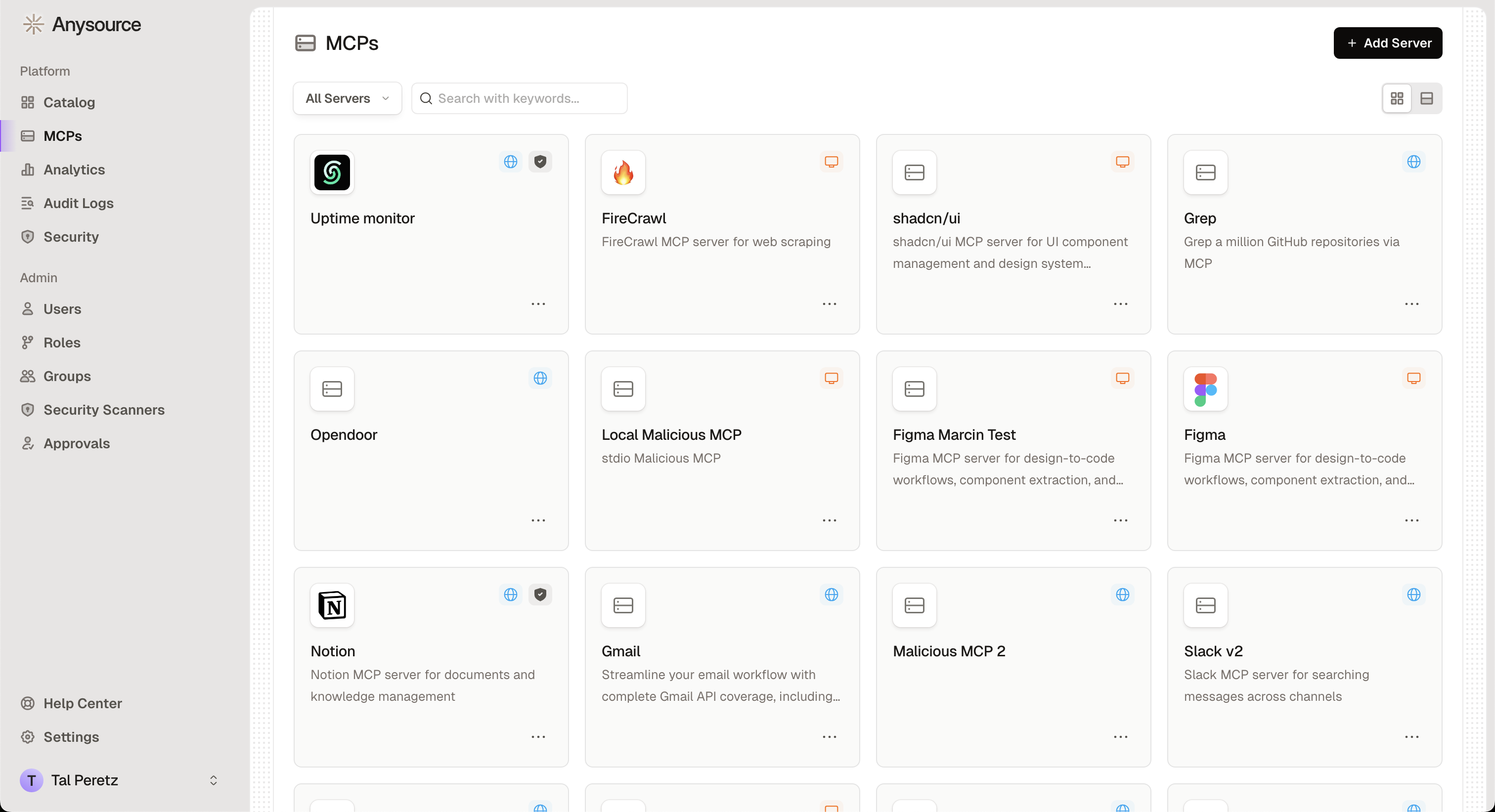
- MCPs: View and manage your MCP servers
- Status Indicators:
Active- Ready to usePending- Waiting for admin approvalInactive- Disabled or not configuredRejected- Not approved for use
Understanding MCP Servers
What is an MCP Server? An MCP server is like a plugin that extends what AI assistants can do. For example:- GitHub MCP: Lets AI read and manage your code repositories
- Google Drive MCP: Gives AI access to your documents
- Slack MCP: Allows AI to read messages and post updates
- Database MCP: Connects AI to your company’s databases
- Server: The MCP plugin itself (e.g., “GitHub Integration”)
- Tools: Actions the MCP can perform (e.g., “create issue”, “search code”)
- Resources: Data the MCP can access (e.g., repository files, issues)
Related Resources
Catalog
Browse available MCP servers
Employee Handbook
Complete guide for using Runlayer