

Installation Options
| Option | Best For | Description |
|---|---|---|
| Manual Installation | Testing, individual devices | Run CLI command directly on a device |
| MDM Deployment | Enterprise deployment | Deploy via SimpleMDM or Jamf Pro |
Manual Installation
For testing or individual device setup, install hooks directly using the Runlayer CLI.Prerequisites
- The
uvpackage manager installed (see below) - Access to your Runlayer instance
Installing UV
The Runlayer CLI runs usinguvx (part of the uv package manager).
macOS/Linux:
Installing Hooks
| Flag | Description |
|---|---|
--install | Perform the installation |
--yes | Skip confirmation prompts |
--host | Your Runlayer instance URL |
--client cursor | Install hooks only for Cursor (default: all supported clients) |
Verifying Installation
After installation, verify hooks are active:Uninstalling Hooks
To remove hooks from a device:MDM Deployment
For enterprise-wide deployment, use your MDM solution to install hooks across all developer machines. We provide step-by-step guides with interactive script generators for popular MDM platforms:Creating an Enrollment Key
Enrollment keys allow devices to automatically register with Runlayer and obtain API credentials. You’ll need one before deploying via MDM.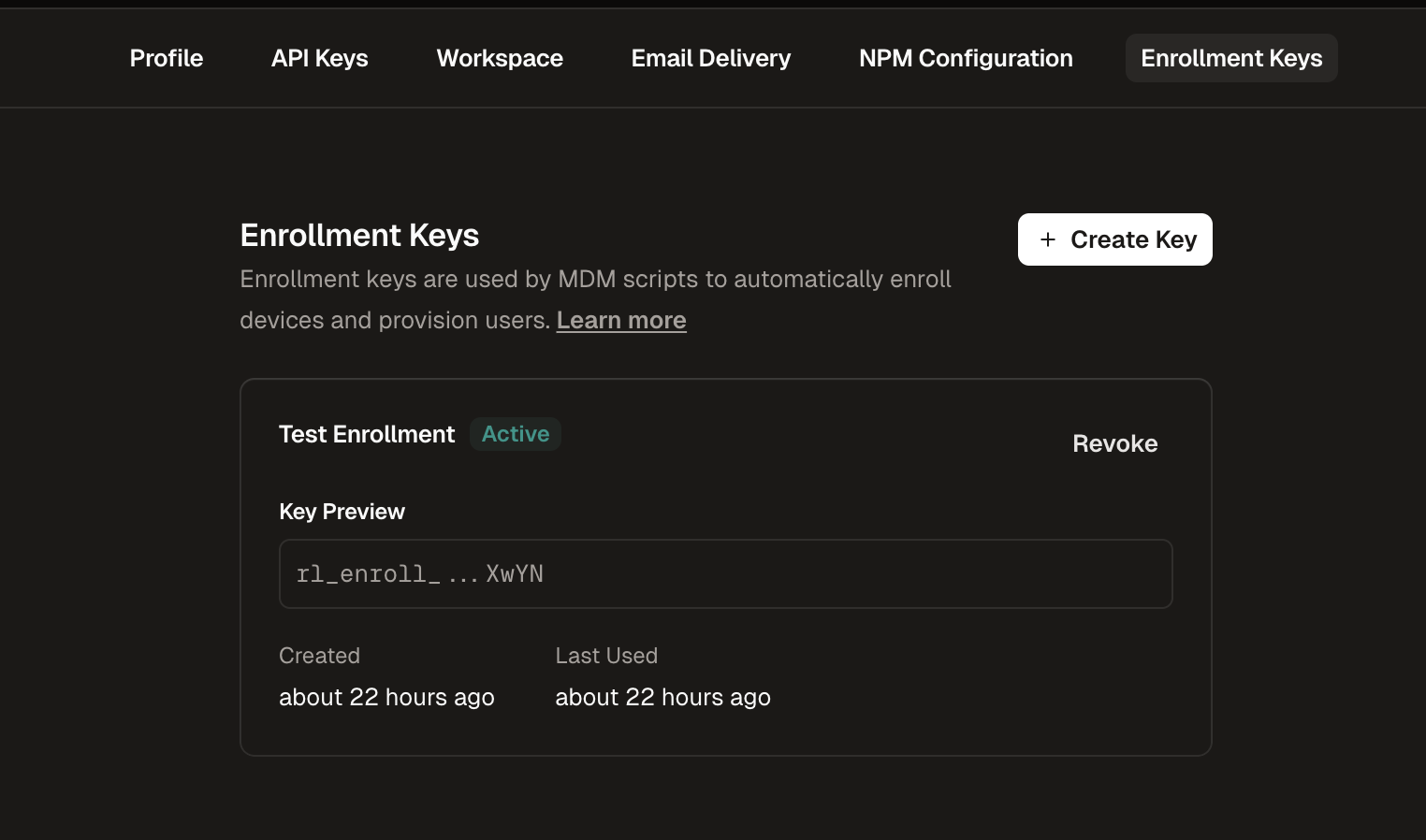
Navigate to Enrollment Keys
Go to Settings in the Runlayer dashboard and select the Enrollment Keys tab
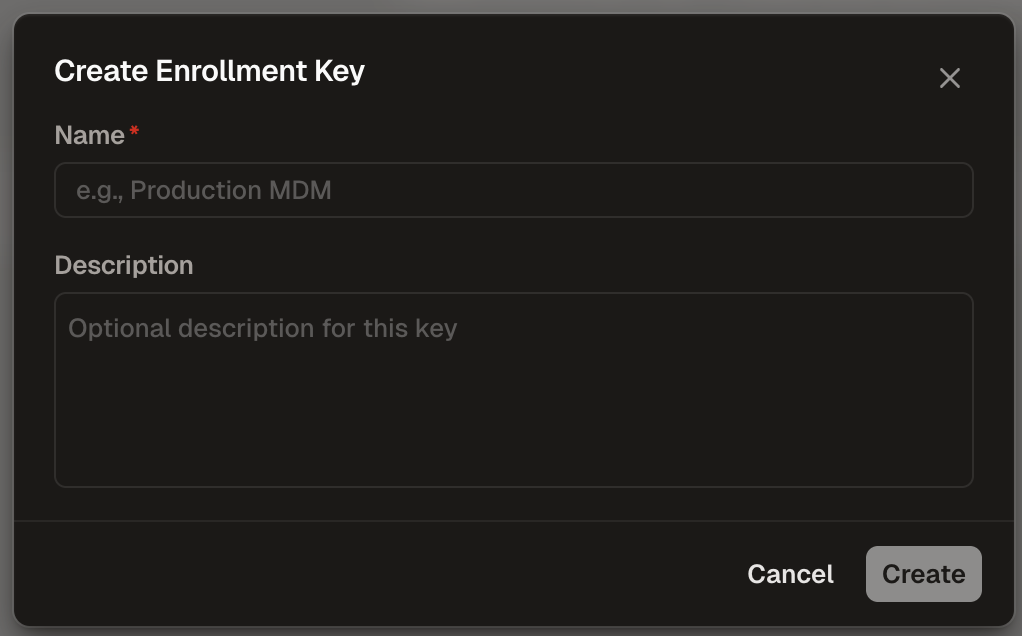
Configure the Key
- Name (required): Enter a descriptive name (e.g., “Production MDM”)
- Description (optional): Add context about the key’s purpose
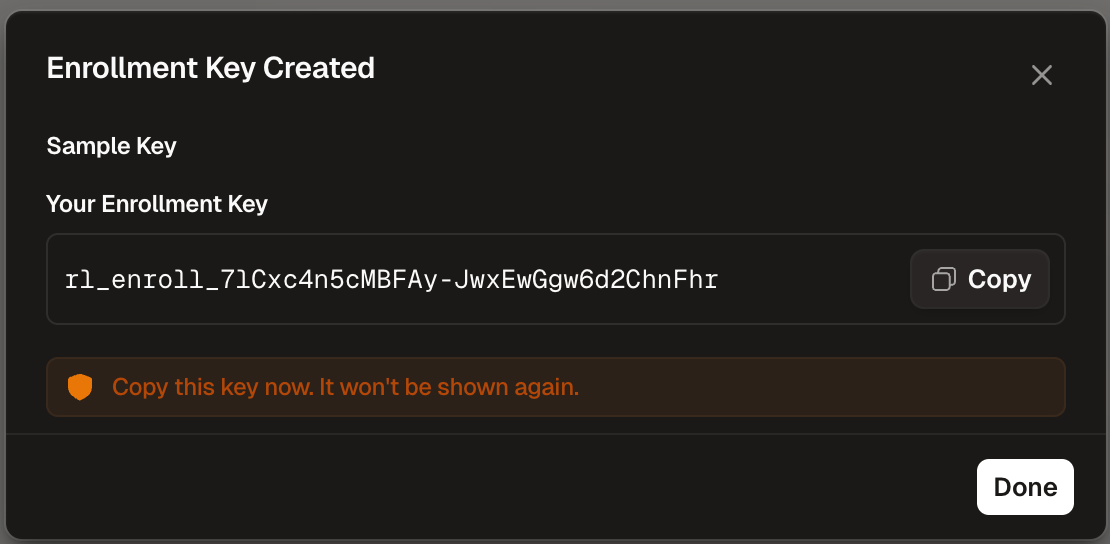
Troubleshooting
Hooks not intercepting calls
Hooks not intercepting calls
Quick fixes:
- Verify hooks are installed:
uvx runlayer setup hooks --status - Restart the client application after installation
- Check that the client is supported (currently Cursor on macOS)
- Ensure the hooks are installed for the correct client
Installation fails
Installation fails
Quick fixes:
- Ensure
uvis installed:curl -LsSf https://astral.sh/uv/install.sh | sh - Check network connectivity to your Runlayer instance
- Verify the host URL is correct
- Try running with verbose output for more details
Hooks causing performance issues
Hooks causing performance issues
Quick fixes:
- Check your Runlayer instance connectivity
- Review the number of policies being evaluated
- Contact Runlayer support if issues persist