

Prerequisites
- SimpleMDM admin access
- Configured enrollment key from Runlayer (see below)
Creating an Enrollment Key
Creating an Enrollment Key
Enrollment keys allow devices to automatically register with Runlayer and obtain API credentials.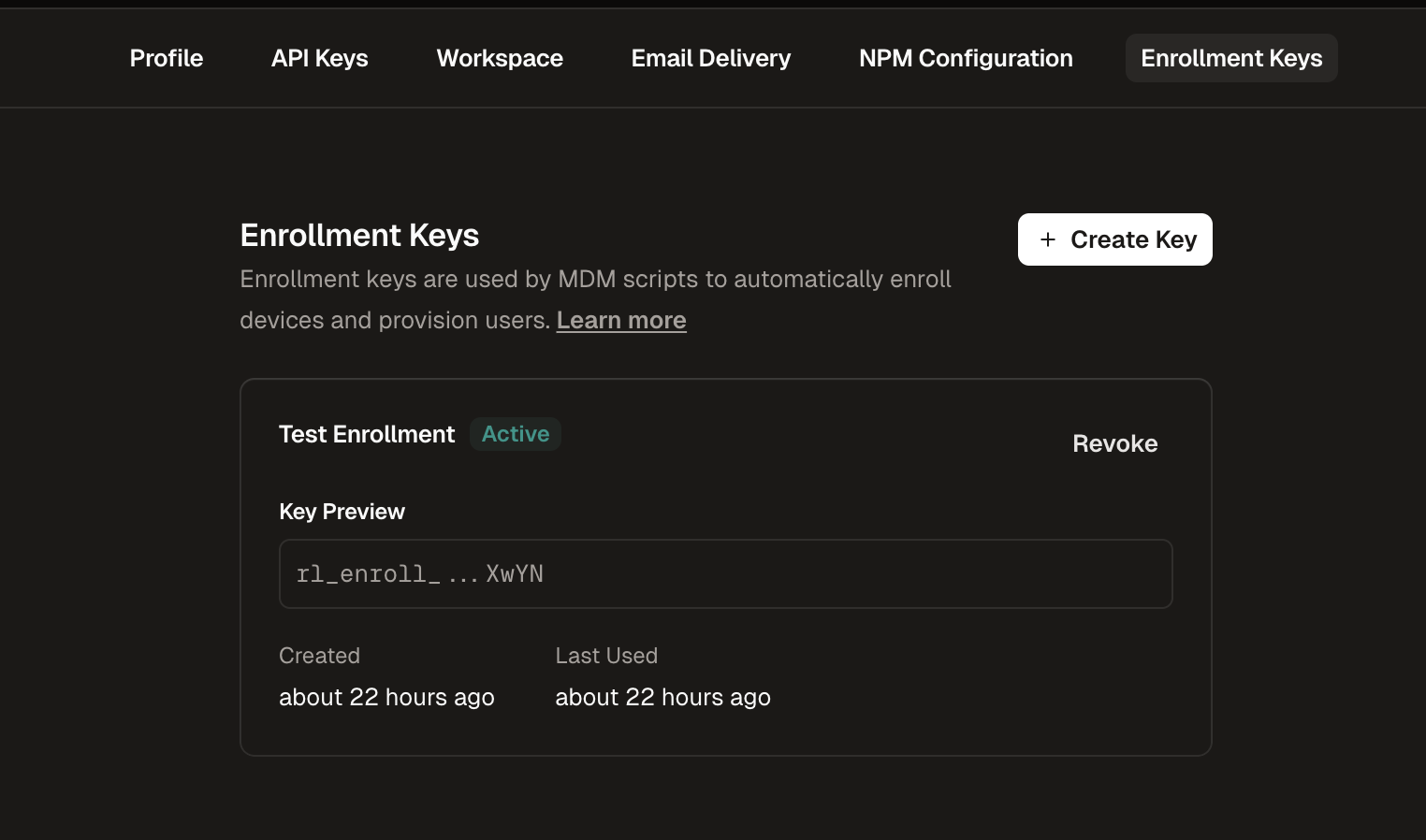
Navigate to Enrollment Keys
Go to Settings in the Runlayer dashboard and select the Enrollment Keys tab
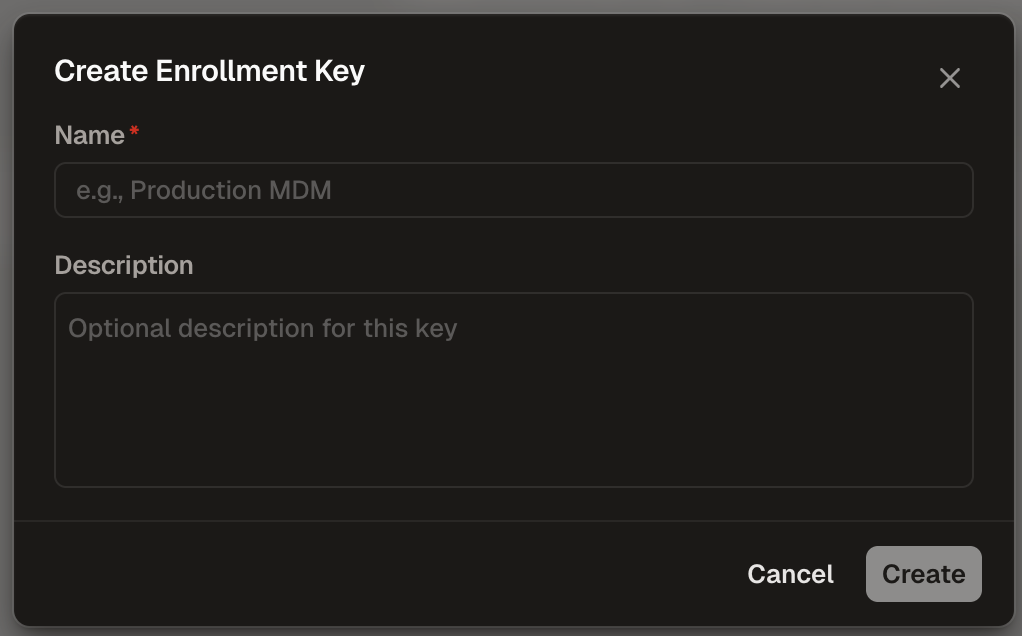
Configure the Key
- Name (required): Enter a descriptive name (e.g., “Production MDM”)
- Description (optional): Add context about the key’s purpose
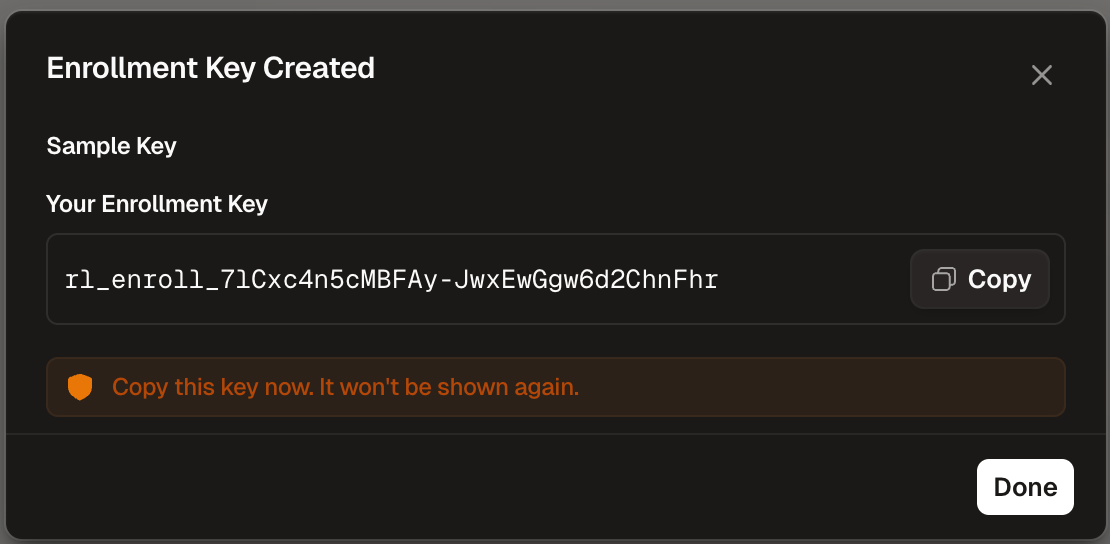
Deployment Steps
Generate the Script
Fill in your organization’s settings below to generate a customized deployment script.SimpleMDM-specific configuration tips:
ENROLLMENT_USERNAME: Use an MDM variable or custom attribute that provides the user’s identity. Common variables:$EMAIL,$USER_PRINCIPAL_NAME, or a custom attribute.ENROLLMENT_DEVICE_NAME: Use an MDM variable or custom attribute that identifies the device. Common variables:$DEVICE_NAME,$SERIAL_NUMBER, or a custom attribute.
Add the Script
- Click Add Script
- Paste the generated script contents
- Give it a descriptive name (e.g., “Runlayer Hooks”)
Verification
After deployment, verify in the Runlayer dashboard:Log Locations
| Platform | Log Location |
|---|---|
| macOS | /var/log/runlayer-hooks.log |
Exit Codes
| Code | Meaning |
|---|---|
| 0 | Success |
| 1 | General failure (missing config, enrollment failed) |
| 2 | Network failure |
| 3 | Installation failure |